

TenderKosh for EPC teams
Turn tender reading into faster bidding decisions.
Discover relevant tenders, monitor corrigenda, compare opportunities, and move from document reading to structured action.
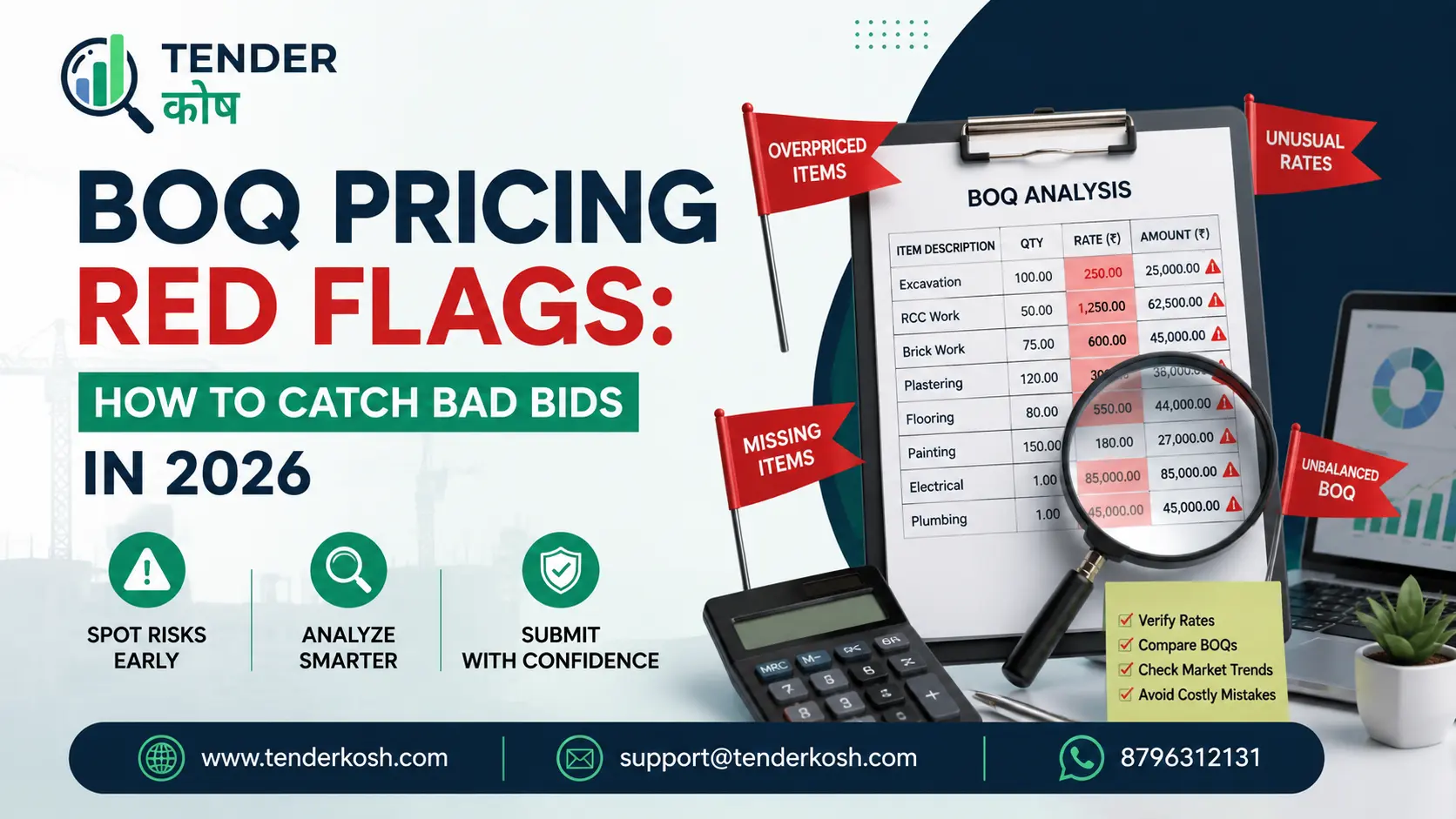
BOQ pricing red flags are what evaluators are actually scanning for the moment your priced Bill of Quantities lands on their desk — not whether your maths adds up, but whether your rates behave like a genuine, deliverable bid.
Buyers run every submitted BOQ through a version of the same screening logic: compare each rate to a market or estimate benchmark, check whether the pricing pattern looks internally consistent, and flag anything that suggests the bid was engineered rather than estimated.
Four detection categories cover almost everything a buyer is trained to look for: unrealistic item pricing, front-loading, unbalanced BOQs, and abnormally low bids. Each has its own logic, its own tell-tale signature, and its own consequence if flagged — ranging from a clarification request to outright disqualification.
Key Takeaways
On this page
Every BOQ pricing red flag exists because the lowest evaluated bid is not automatically the best bid. Buyers have learned, often the expensive way, that a headline-low total can hide pricing that either can’t be delivered or was engineered to extract money later.
Procuring authorities have seen the same patterns played on them for decades: contractors who win on price and then claim extra payment once quantities shift, contractors who load early items so they get paid before doing proportionate work, and contractors who bid so low they either cut corners or walk away mid-project.
None of these patterns show up in a bid’s total price. They show up in the internal structure of the BOQ — how the rates relate to each other and to reality. That is exactly what BOQ pricing red flags are built to surface.
Almost every detection method reduces to the same underlying move: comparing your submitted rates to a reference point the buyer already trusts, then measuring how far and how consistently you deviate from it.
That reference point usually takes one of three forms. The first is the buyer’s own detailed estimate — the Engineer’s Estimate or departmental estimate — the single most common benchmark in public works tendering. The second is a market rate database or schedule of rates. The third is the spread of rates across all bidders in the same tender.
Once a benchmark exists, detection becomes a matter of measuring deviation at the item level, not just at the total level. A bid that matches at the total level but diverges wildly item by item is exactly the pattern that BOQ pricing red flags are built to catch.
Unrealistic pricing is caught less by any single item and more by the pattern of items priced far outside a plausible range in either direction. Buyers look at both directions, not just the low side.
The standard method is item-by-item variance analysis: every rate in your priced BOQ is compared against the corresponding rate in the buyer’s estimate or rate database, and the percentage deviation is calculated for each line. A handful of items slightly above or below the benchmark is normal. What draws attention is a rate sitting at multiples of the benchmark in either direction, with no justification in the bid documentation.
A rate can be both correct and flaggable. Buyers flag deviations to investigate, not to automatically reject. A genuinely efficient rate that differs sharply from the benchmark is not disqualifying on its own — but if your bid gives no supporting rationale, the evaluator has nothing to work with except suspicion. Documenting an unusual-but-honest rate protects you from a flag turning into a rejection.
Front-loading — pricing early-executed items above their fair value and later-executed items below it — is detected by mapping your priced BOQ against the project’s expected execution timeline, not by looking at any item in isolation. The tell is in the sequence, not the total.
The classic detection method compares two curves: the payment curve your priced BOQ implies over the project timeline, and a normal, quantity-weighted cash-flow curve based on the buyer’s estimate. If your bid’s implied payment curve rises much faster in the early months — even though your grand total matches the estimate closely — the mismatch between the two curves is the signature of front-loading.
Front-loading risk isn’t just about detection — it’s about consequence. Even a moderate degree of front-loading that goes undetected at bid stage can surface later if the project is terminated early or descoped, leaving the buyer having overpaid relative to work completed.
An unbalanced BOQ shifts value between items in ways that exploit expected errors or changes in the buyer’s stated quantities — and the standard detection method is to simulate what happens to your bid rank if those quantities were corrected.
Unbalancing comes in two recognised forms. Mathematical unbalancing shifts rates between items with no cost-based justification, purely to move money toward items the bidder expects will see quantity increases. Technical unbalancing occurs when the bidder has genuine technical reasons to price items differently.
To catch mathematical unbalancing, buyers run a sensitivity or re-ranking test: they recalculate each bidder’s total using historical quantity variation data from similar past projects and check whether any bidder’s rank changes dramatically under those revised quantities.
An Abnormally Low Bid is detected by a percentage deviation threshold from the buyer’s estimate, most commonly cited around 25 percent below the estimated value in Indian public procurement guidance. Crossing that threshold does not mean automatic rejection; it means the bid moves into a formal scrutiny process.
The procuring authority seeks written clarification from the bidder, along with a detailed price break-down covering how the bidder proposes to deliver at the quoted rate. A bidder who can show a specific, credible reason — proprietary process efficiency, an existing stock advantage, a genuinely lower cost base — can survive an ALB flag and still win the contract.
An ALB flag is a request for evidence, not a verdict. If your rates are genuinely low because of a real efficiency or cost advantage, document that advantage clearly and proactively in your bid submission, rather than waiting to be asked.
Track live tenders across EPC, infrastructure, renewable energy, civil, electrical, and PSU sectors — and see exactly how each one structures its BOQ and evaluation criteria — in one dashboard.
| Red Flag | Primary Detection Method | What It Triggers |
|---|---|---|
| Unrealistic pricing | Item-by-item variance against the buyer’s estimate or rate database. | Query for justification; possible rejection if implausible. |
| Front-loading | Comparing the bid’s implied payment curve to a quantity-weighted execution timeline. | Scrutiny of early-stage item rates; possible payment schedule revision. |
| Unbalanced BOQ | Re-ranking bids under corrected or historically typical quantity variations. | Deeper review of items priced at extreme multiples of the benchmark. |
| Abnormally Low Bid | Percentage deviation below the estimate crossing a defined threshold. | Mandatory written clarification and price break-down request. |
Detection used to mean a procurement officer manually cross-checking a printed BOQ against a printed estimate — today, a growing share happens through spreadsheet macros, e-procurement portal validations, and purpose-built bid-analysis software.
Manual review still dominates smaller-value tenders. Software-assisted screening, increasingly used by larger PSUs and railway zones, applies the same variance, curve-mapping, and re-ranking checks automatically across every bid. Some e-procurement portals now build screening directly into the bid submission process itself — flagging blank or zero-rate cells at the point of entry.
The four detection checks apply everywhere, but which one gets the most weight shifts significantly depending on whether you’re bidding works, goods, or services.
In EPC and civil works tenders, front-loading and unbalanced BOQs dominate. In goods tenders, unrealistic pricing and ALB checks tend to dominate, since there is rarely a meaningful execution timeline to front-load against. In services tenders, buyers increasingly check for pricing that shifts cost between the base contract period and renewal or extension periods.
Read the evaluation criteria, not just the BOQ format. The weight a specific tender places on each of these checks is often signalled in the evaluation methodology section of the document itself, sometimes explicitly naming a rate-variance threshold or a payment-schedule review.
None of this changes how you estimate cost — it changes how you present and support the pricing decisions you’ve already made, so that a legitimate bid doesn’t read like one carrying BOQ pricing red flags. The practical shift is from “price to win” to “price to win and survive scrutiny.”
Two habits do most of the work. First, keep every rate traceable to a real cost basis you can articulate quickly if asked. Second, sanity-check your own BOQ against the same tests a buyer would run: does your payment curve look front-loaded relative to the project schedule, even unintentionally?
Not every bid carrying BOQ pricing red flags was manipulated — plenty of honest, competent bids trip these checks purely through oversight.
A defensible BOQ is one that would survive every check in this article and show none of the four BOQ pricing red flags, even if an evaluator ran all four on it simultaneously.
| Check | What to Do | Pass Signal |
|---|---|---|
| Benchmark comparison | Compare every item rate against any published schedule of rates or your own market data. | No item sits at an unexplained multiple of the benchmark. |
| Payment curve mapping | Plot your priced BOQ against the project’s execution schedule. | Your implied payment curve tracks the schedule, not just the total. |
| Quantity stress test | Re-run your total under a plausible range of quantity changes for key items. | Your competitiveness doesn’t collapse or spike under revised quantities. |
| Blank/zero cell scan | Search the full BOQ file for empty or zero-value cells. | Every mandatory cell carries a genuine, considered rate. |
| Rationale file | Note a one-line justification for any rate that deviates notably from the benchmark. | You could answer a clarification query within the hour, not the week. |
| Evaluation criteria re-read | Re-read the tender’s evaluation methodology section specifically for pricing checks it names. | You know which of the four checks this particular buyer weighs most. |
| Term | What It Means |
|---|---|
| BOQ (Bill of Quantities) | The itemised list of work items and quantities that bidders price to arrive at their total bid. |
| Engineer’s / departmental estimate | The buyer’s own independent cost estimate, built before bids are opened, used as a benchmark. |
| Rate variance analysis | Comparing each item rate in a bid against a benchmark and flagging large deviations. |
| Front-loading | Pricing early-executed items above fair value so payment arrives faster than work is completed. |
| Mathematical unbalancing | Shifting rates between items with no cost basis, to exploit expected quantity changes. |
| Re-ranking / sensitivity test | Recalculating bid totals under revised quantities to see if a bidder’s rank changes sharply. |
| Abnormally Low Bid (ALB) | A bid priced so far below the estimate that it raises doubt about the bidder’s capability to deliver. |
| Price break-down | A detailed cost justification a bidder submits when asked to explain a low or unusual rate. |
| Payment / cash-flow curve | The pattern of expected payments over a project’s timeline, used to detect front-loading. |
There isn’t a single most common flag — unrealistic pricing, front-loading, unbalanced BOQs, and abnormally low bids are each caught by a different method, and a buyer typically runs all four checks on every submitted bid rather than relying on one.
Buyers compare each item rate against the buyer’s own estimate or a market rate database, calculating the percentage deviation for every line item, not just the bid total. Items priced at implausible multiples of the benchmark, in either direction, draw scrutiny.
Front-loading is pricing early-executed items above fair value so a contractor is paid faster than the work is actually completed. It’s detected by comparing the payment curve a bid implies against a normal, quantity-weighted execution timeline, since a front-loaded bid can still show a perfectly balanced grand total.
Unrealistic pricing is about individual rates being implausible against a benchmark. An unbalanced BOQ is about shifting value between items to exploit expected quantity changes, and can involve rates that look perfectly plausible on their own but expose the buyer to risk if quantities shift.
Indian procurement guidance treats a bid as abnormally low when its price raises material doubt about the bidder’s capability to perform at that price, with deviations of roughly 25 percent or more below the estimate commonly cited as a trigger. This is administrative guidance rather than a single codified legal threshold, and can vary by buyer and sector.
No. An ALB flag triggers a written clarification request and a detailed price break-down from the bidder. The bid can proceed if the bidder demonstrates a credible, specific reason for the low price; it can be rejected only if the bidder fails to show it can deliver at the offered price.
Indian guidance discourages this. A 2020 Department of Expenditure circular cautioned against procuring authorities imposing blanket demands for extra bank guarantees or security solely because a bid is low, without a documented, case-specific justification.
Both, depending on the buyer. Smaller-value tenders are often reviewed manually. Larger PSUs, railway zones, and infrastructure agencies increasingly use software-assisted screening that applies variance, curve-mapping, and re-ranking checks automatically, sometimes flagging issues at the point of BOQ upload itself.
Not exactly. Works and EPC tenders tend to get the most scrutiny for front-loading and unbalanced BOQs. Goods tenders lean more on unrealistic pricing and ALB checks against market rates. Services tenders, especially those with renewal or extension clauses, are increasingly checked for cost shifted between the base and extension periods.
Official Reference: Public procurement guidance, including the Manual for Procurement of Goods and General Financial Rules, is published on the Ministry of Finance’s Department of Expenditure portal: doe.gov.in
Discover relevant tenders, monitor corrigenda, compare opportunities, and move from document reading to structured action.