TenderKosh for EPC teams
Turn tender reading into faster bidding decisions.
Discover relevant tenders, monitor corrigenda, compare opportunities, and move from document reading to structured action.
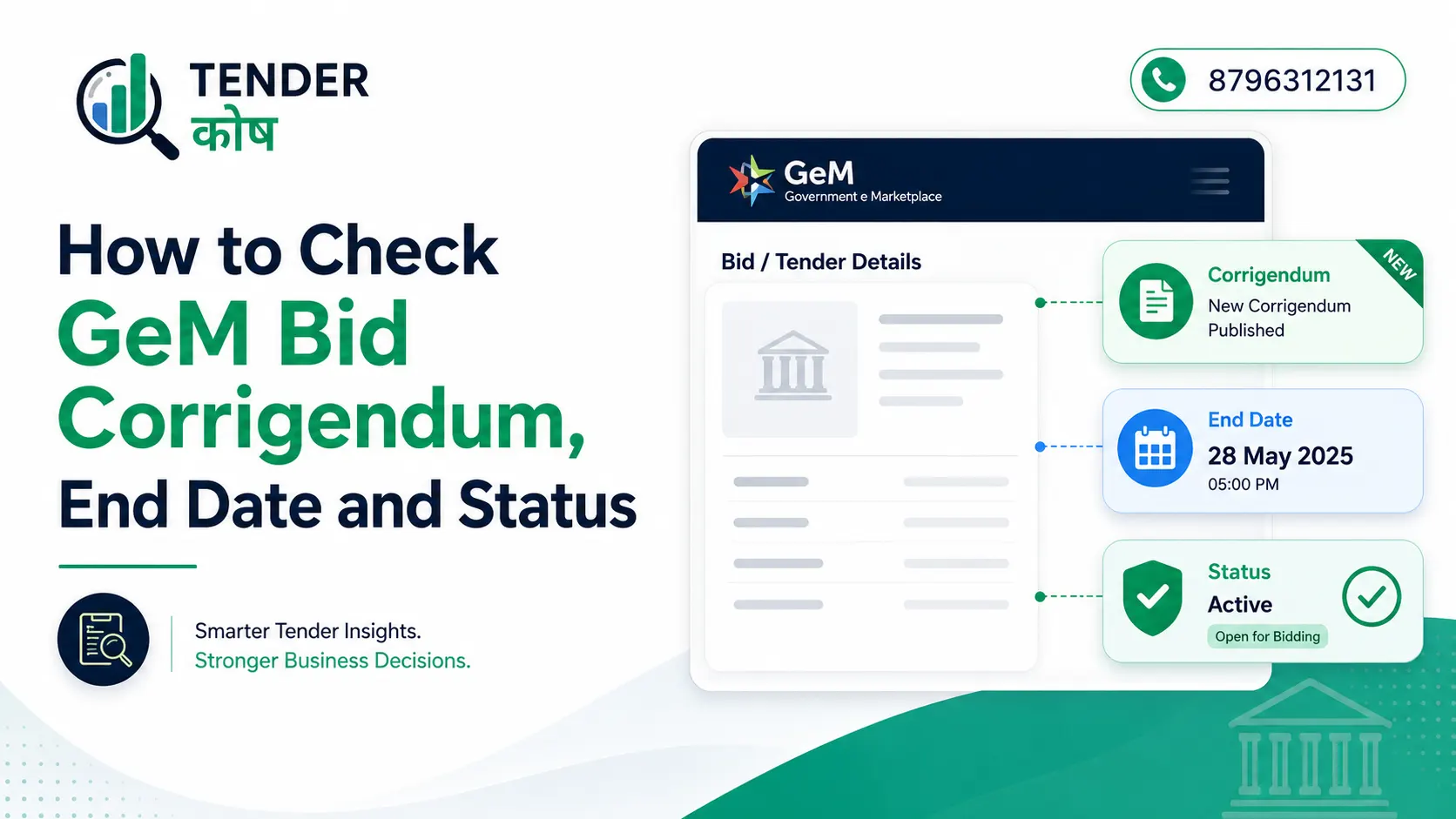
GeM Bid Corrigendum checking is important for every seller on the Government e-Marketplace because buyers can update bid specifications, extend end dates, or change terms before the bid closes.
If you are a seller on GeM, staying on top of every bid you participate in is not optional — it is the difference between winning a contract and losing it on a technicality. A missed GeM Bid Corrigendum can lead to outdated submissions, wrong pricing, or technical rejection.
This guide walks you through exactly how to check the GeM Bid Corrigendum, bid end date, and bid status, both as a guest visitor and as a registered seller.
A GeM Bid Corrigendum is an official amendment to a published bid. Buyers issue corrigenda to correct errors, modify technical specifications, change terms and conditions, or extend bid timelines.
According to GeM rules, a buyer can publish a corrigendum up to seven days before the bid end date.
Once a corrigendum is published, it overrides the relevant clauses in the original bid document. If you have already submitted your offer based on outdated specifications, your bid may no longer be compliant.
That is why checking for corrigenda regularly, ideally every day on active bids, is a non-negotiable habit for serious sellers.
You do not need to be logged in to check a bid’s basic information. Anyone can look up an active bid using the public GeM Bids page.
Open your browser and go to: https://bidplus.gem.gov.in/all-bids
This is the public listing of every active bid on GeM.
Use the search box to enter the bid number, item, or category you want to look up. You can also filter by ministry, department, or organisation if you are exploring opportunities rather than tracking a specific bid.
Click on the bid you want to inspect. The bid details page will show:
Scroll to the Corrigendum Details section. If the buyer has issued corrigenda, they will appear with:
Always download and read every GeM Bid Corrigendum carefully before finalising your offer.
Note: Newly published bids and modifications may take up to 15 minutes to appear in GeM search results.
For bids you have participated in, the public listing is not enough. You should log in to track technical evaluation, financial evaluation, reverse auction, award status, and any GeM Bid Corrigendum updates linked to your submitted bid.
Visit https://gem.gov.in and log in using your registered seller credentials.
From the seller dashboard:
This section shows every bid you have participated in.
Use filters to narrow the list:
Click the specific Bid ID to open the detailed status page. Here you can see:
If a clarification request or corrigendum is issued, respond before the stated deadline. Late responses are one of the most common reasons bids get rejected.
| Status | Meaning |
|---|---|
| Submitted | Your bid has been successfully submitted |
| Under Evaluation | Buyer is reviewing documents and compliance |
| Clarification Requested | Buyer requires additional information |
| Technically Qualified | You cleared technical evaluation |
| Reverse Auction (RA) | You are shortlisted for price competition |
| Awarded | You won the contract |
| Rejected | Your bid did not qualify |
A corrigendum can be issued anytime before the bid closes. Serious sellers check active bids every day.
Do not assume changes are minor. Specification updates or eligibility modifications can instantly make a bid non-compliant.
Buyers often extend deadlines while publishing corrigenda. Always confirm the revised end date.
Prepare GST certificates, OEM authorisations, ISO certificates, financial statements, and compliance documents in advance.
GeM may not always send reminders before deadlines. Maintaining your own tracking system is important.
Many businesses lose tenders not because of pricing, but because they submit bids using outdated specifications.
A missed GeM Bid Corrigendum may result in:
For active sellers, checking every GeM Bid Corrigendum before submission is one of the safest ways to avoid missed deadline changes, revised specifications, and last-minute compliance issues.
That is why daily tracking is essential for professional tender participation.
Tracking a GeM Bid Corrigendum is less about clicking buttons and more about building a disciplined process. The portal provides all the information you need — corrigenda, bid end dates, clarification requests, and status updates — but only if you monitor it consistently.
Businesses that track bids daily are far more likely to avoid disqualifications and improve their tender success rate. If you manage multiple bids at once, maintaining a spreadsheet with bid number, end date, corrigendum date, and status can help prevent costly mistakes.
Bid smart, track regularly, and stay compliant.
Discover relevant tenders, monitor corrigenda, compare opportunities, and move from document reading to structured action.