TenderKosh for EPC teams
Turn tender reading into faster bidding decisions.
Discover relevant tenders, monitor corrigenda, compare opportunities, and move from document reading to structured action.
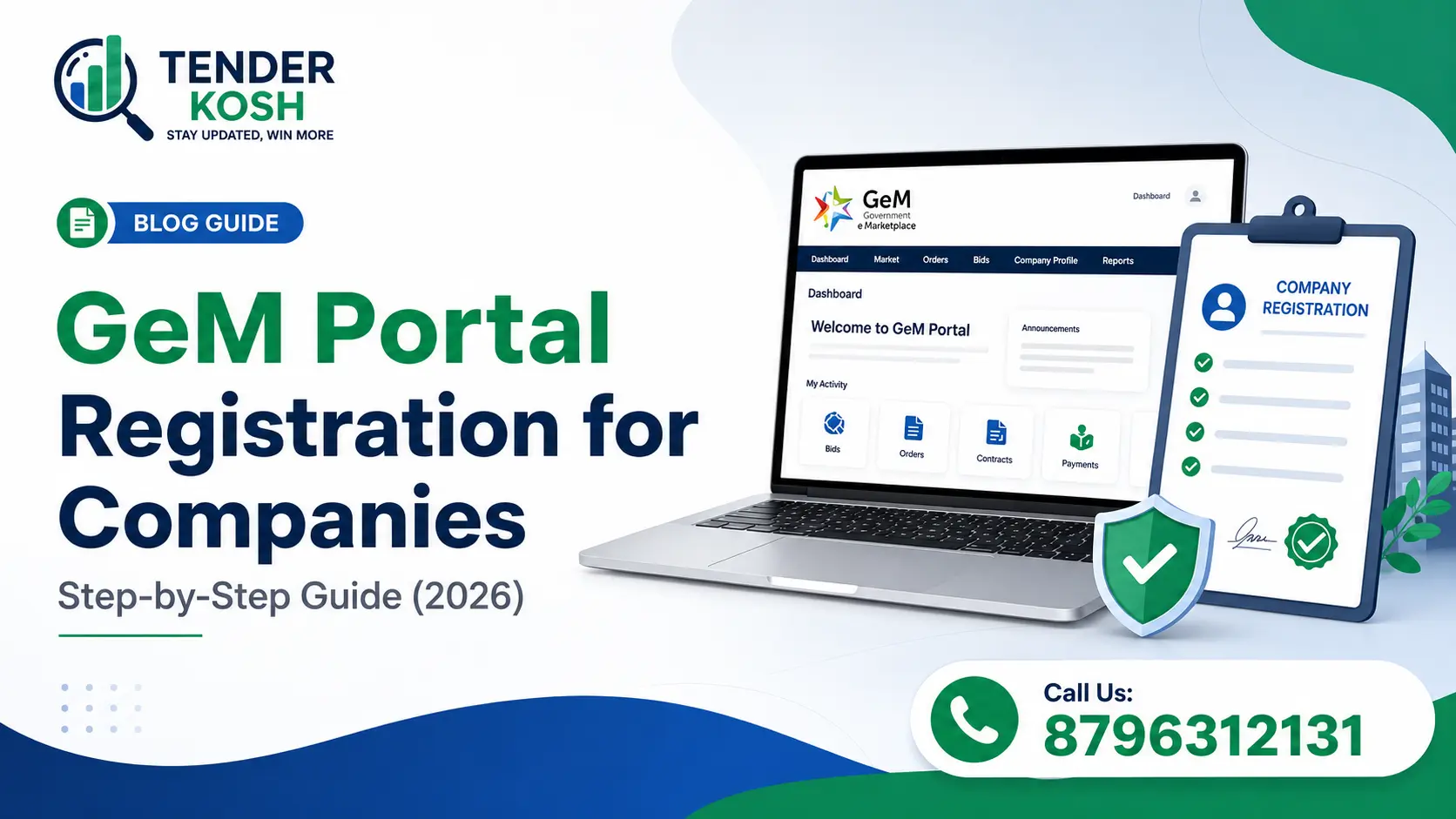
The Government e-Marketplace, commonly known as the GeM Portal, is one of India’s most important public procurement platforms. It allows companies, MSMEs, startups, manufacturers, traders, contractors, and service providers to sell products and services to government buyers through a digital procurement system.
For businesses, GeM registration is not just a compliance step. It is an entry point into government procurement opportunities across ministries, departments, PSUs, public institutions, and government agencies. However, after registration, companies must also track relevant tenders, understand eligibility conditions, monitor bid deadlines, and prepare accurate documents.
Want to track GeM and government tenders daily?
Discover live tenders from GeM, CPPP, SECI, NTPC, Railways, CPWD, IOCL, and other portals on
TenderKosh.com.
The GeM Portal is an online government procurement platform designed to make public buying more transparent, efficient, and accessible. Government buyers can purchase goods and services online, while sellers can register, list products, participate in bids, and receive orders from approved government departments.
Businesses that complete GeM seller registration can access a wide range of procurement opportunities. But to grow consistently, sellers should also track upcoming opportunities through platforms like TenderKosh live tenders, where tender discovery becomes faster and more organized.
| Particular | Details | Why It Matters |
|---|---|---|
| Portal Name | Government e-Marketplace | Central platform for government procurement and seller participation. |
| Useful For | MSMEs, startups, manufacturers, contractors, traders, and service providers | Helps businesses access government buying opportunities. |
| Registration Type | Seller or service provider registration | Allows businesses to list products or services and participate in bids. |
| Important Documents | PAN, Aadhaar, GST, bank details, business registration documents | Required for verification and profile approval. |
| After Registration | Catalog listing, bid participation, order tracking, tender monitoring | Sellers must actively track opportunities to win government business. |
GeM reduces manual paperwork and allows procurement workflows to happen digitally. Sellers can participate in government buying more efficiently.
Online bidding improves visibility, reduces information gaps, and supports fair competition between eligible suppliers and service providers.
Registered companies can access nationwide government demand and build a repeatable public procurement sales pipeline.
GeM registration is open to different types of sellers and service providers. The business must provide correct verification details and choose the right product or service category.
| Business Type | Can Register? | Common Use Case |
|---|---|---|
| MSME | Yes | Supplying goods, equipment, services, consumables, and project-related items. |
| Startup | Yes | Selling innovative products, software, services, and technology solutions. |
| Manufacturer | Yes | Listing manufactured goods directly for government buyers. |
| Trader / Reseller | Yes | Supplying approved products under relevant categories. |
| Contractor | Yes | Participating in service, works, infrastructure, and project-related opportunities. |
| Service Provider | Yes | Offering manpower, consulting, IT, maintenance, logistics, and other services. |
After GeM registration, use TenderKosh to discover tenders across GeM, CPPP, PSUs, renewable energy, EPC, railway, civil, electrical, and infrastructure sectors.
Before starting GeM seller registration, keep all important documents ready. Incorrect details, mismatched names, wrong bank information, or missing tax information can delay approval.
| Document | Required For | Important Tip |
|---|---|---|
| PAN Card | Business and tax verification | The PAN name should match the business or authorized person details. |
| Aadhaar Card | Authorized signatory verification | Use Aadhaar linked with an active mobile number for OTP verification. |
| GST Registration | Tax and business verification | Ensure GST details match the business name and address. |
| Bank Account Details | Payment and transaction setup | Use an active business bank account with correct IFSC and account number. |
| Business Registration Proof | Company identity verification | Can include incorporation certificate, partnership deed, shop act license, or Udyam certificate. |
| Product / Service Details | Catalog creation and bid participation | Choose categories carefully because they affect visibility in buyer searches. |
| Step | Action | What You Should Check |
|---|---|---|
| Step 1 | Visit the official GeM portal and choose seller registration. | Use correct business details and active mobile/email credentials. |
| Step 2 | Enter PAN, Aadhaar, GST, business type, and address details. | Make sure the information matches your official documents. |
| Step 3 | Add bank account and business verification details. | Check account number, IFSC, and account holder name carefully. |
| Step 4 | Complete profile verification and seller onboarding. | Do not submit incomplete or mismatched information. |
| Step 5 | Add product or service categories. | Select accurate categories so government buyers can find your offerings. |
| Step 6 | Start tracking bids, tenders, and buyer requirements. | Use TenderKosh tender search to monitor relevant opportunities. |
Important: GeM registration helps you become a seller, but winning government business requires regular tender tracking, eligibility checking, document preparation, and deadline monitoring.
| Mistake | Impact | How to Avoid It |
|---|---|---|
| Wrong business name | Verification delay or rejection | Use the exact name from PAN, GST, and registration documents. |
| Incorrect category selection | Low visibility in buyer searches | Select categories that match your actual product or service offering. |
| Incomplete bank details | Payment and approval issues | Double-check bank account number, IFSC, and account holder name. |
| Ignoring eligibility conditions | Bid rejection during technical evaluation | Read eligibility, turnover, experience, and technical criteria before applying. |
| Missing tender updates | Wrong bid submission or missed deadline | Use TenderKosh alerts to track updates and opportunities. |
Many businesses think that GeM registration is enough to start winning government orders. In reality, registration only creates your seller profile. To win consistently, businesses must track tenders, monitor departments, check eligibility, compare opportunities, and submit compliant bids.
| Activity | GeM Registration | TenderKosh Tender Tracking |
|---|---|---|
| Seller profile creation | Yes | No |
| Product/service listing | Yes | No |
| Live tender discovery | Limited to portal activity | Tracks opportunities across multiple portals |
| Sector-wise tender search | Basic | Available across EPC, solar, civil, electrical, railways, biofuel, and more |
| Corrigendum and update monitoring | Manual checking required | Helps businesses monitor updates from one platform |
| Opportunity shortlisting | Manual | Faster search, filtering, and tender intelligence |
Use TenderKosh to discover relevant government tenders, monitor closing dates, track procurement updates, and shortlist better opportunities faster.
TenderKosh helps companies move beyond registration and actively find government procurement opportunities. Instead of manually checking GeM, CPPP, PSU portals, and department websites every day, businesses can use TenderKosh to discover and track tenders from one place.
| TenderKosh Feature | Benefit for Businesses |
|---|---|
| Live tender discovery | Find government tenders across sectors and portals faster. |
| Sector-wise tracking | Track solar, EPC, civil, electrical, railway, biofuel, infrastructure, and GeM tenders. |
| Keyword-based search | Search tenders by product, service, department, location, or project type. |
| Corrigendum monitoring | Stay updated when tender terms, deadlines, or documents change. |
| Opportunity shortlisting | Save time by focusing on tenders that match your business capability. |
GeM Portal registration is an important step for companies that want to sell products or services to government buyers. It gives sellers access to a structured digital procurement ecosystem and creates opportunities to participate in public procurement.
However, registration alone is not enough. Businesses must regularly track tenders, monitor eligibility, prepare correct documents, and follow bid timelines. Platforms like TenderKosh.com help companies discover live tenders, track updates, and build a stronger government sales pipeline.
The GeM Portal is an online government procurement platform where registered sellers and service providers can sell goods and services to government buyers.
MSMEs, startups, manufacturers, traders, contractors, resellers, and service providers can register on GeM if they have the required business and verification documents.
Common documents include PAN, Aadhaar, GST details, bank account details, business registration proof, and product or service information.
No. GeM registration creates your seller profile, but businesses still need to track relevant tenders, check eligibility, submit compliant bids, and monitor deadlines.
You can use TenderKosh live tender search to discover tenders across GeM, CPPP, PSU portals, and other government procurement sources.
No. TenderKosh helps businesses track tenders across multiple sectors and portals, including GeM, CPPP, SECI, NTPC, Railways, CPWD, IOCL, and other procurement sources.
Discover relevant tenders, monitor corrigenda, compare opportunities, and move from document reading to structured action.