TenderKosh for EPC teams
Turn tender reading into faster bidding decisions.
Discover relevant tenders, monitor corrigenda, compare opportunities, and move from document reading to structured action.
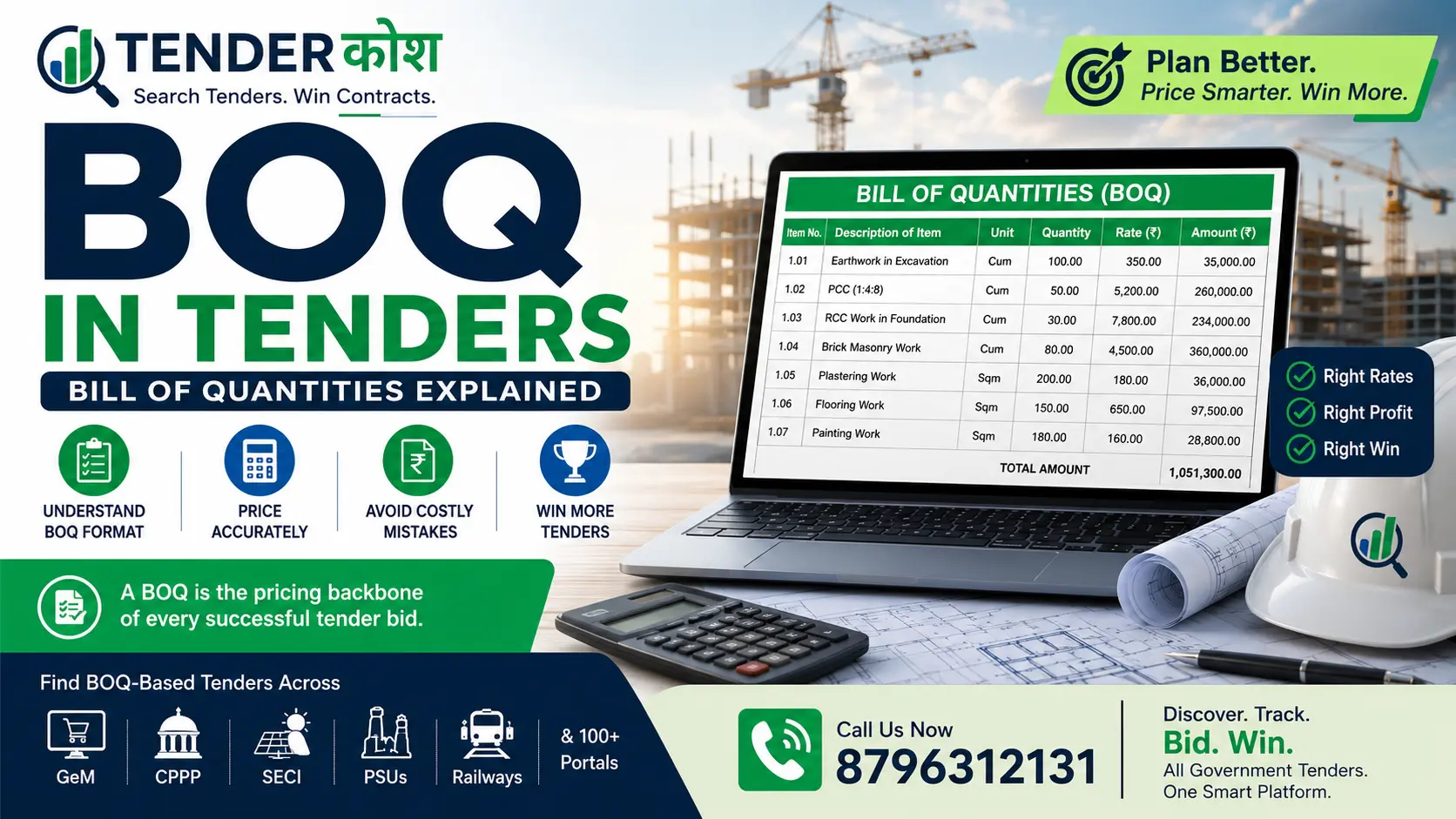
A Bill of Quantities (BOQ) in tenders is a structured document that lists every item of work, material, and service required to complete a project, along with the estimated quantities and unit rates. It is the pricing backbone of any government or infrastructure tender — and filling it incorrectly is one of the most common reasons bids are rejected or contracts go into dispute.
For contractors, suppliers, and EPC firms bidding on government projects — whether on GeM, CPPP, SECI, NTPC, or PWD portals — understanding the BOQ format, how to price it correctly, and which mistakes to avoid can be the difference between winning and losing a tender.
Looking for tenders with BOQ-based bidding? Discover live government tenders across GeM, CPPP, SECI, NTPC, Railways, CPWD, and 100+ procurement portals on TenderKosh.com.
A Bill of Quantities (BOQ) is a pricing schedule attached to a tender document. It is prepared by the tendering authority — such as a government department, PSU, or project owner — and breaks down the entire scope of work into measurable line items. Bidders are required to fill in their unit rates and total amounts against each item.
The BOQ serves three critical purposes in government procurement:
Key fact: In Indian government tenders — including those on GeM, CPWD, Railways, and PSU portals — the BOQ is a mandatory pricing document. Submitting a bid without a correctly filled BOQ will result in disqualification.
BOQ is often confused with similar pricing documents used in tenders. The table below clarifies the differences between the most common formats used in Indian government procurement.
| Document | Full Form | Used For | Key Difference |
|---|---|---|---|
| BOQ | Bill of Quantities | Civil, EPC, infrastructure, and supply tenders | Lists quantities; bidder fills unit rates |
| BOM | Bill of Materials | Manufacturing, supply, and equipment tenders | Lists materials/components; focused on supply, not labour |
| SOR | Schedule of Rates | Maintenance, rate contracts, and framework agreements | Pre-approved rates used over a period, not project-specific |
| Price Schedule | Price Schedule / Price Bid | GeM tenders, service contracts, goods procurement | Simpler format; may list lump sums or per-unit prices |
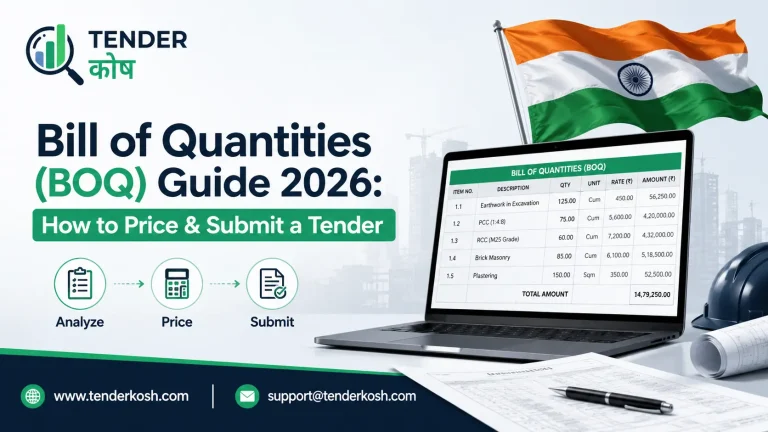
A standard BOQ in Indian government tenders — whether from CPWD, PWD, Railways, or PSU departments — follows a consistent column structure. Understanding each column is essential before filling rates.
| Column | Field Name | What to Enter / What It Means |
|---|---|---|
| 1 | Item No. / Sl. No. | Serial number of the work item — pre-filled by the department. Do not alter. |
| 2 | Description of Item | Detailed description of the work, material, or service. Pre-filled; defines scope. |
| 3 | Unit | Unit of measurement — e.g., Sqm, RMT, MT, Nos, LS (lump sum). Pre-filled. |
| 4 | Quantity | Estimated quantity required. Pre-filled by the tendering authority based on drawings. |
| 5 | Rate | Filled by the bidder. Your unit rate for executing that item of work. |
| 6 | Amount | Quantity × Rate. Auto-calculated or filled by the bidder. Total cost for that item. |
| 7 | Taxes / GST | Applicable taxes — may be included in rate or quoted separately as per instructions. |
Important: Some tenders — especially on the CPWD e-tender portal and state PWD portals — use percentage-based BOQs where bidders quote a percentage above or below the department’s Schedule of Rates (SOR), not individual unit rates.
Not all BOQs follow the same structure. The type of BOQ depends on the nature of the project and the tendering authority’s preference. Bidders must identify the correct BOQ type before preparing their price bid.
The most common type. Bidders quote individual unit rates for each item. Payment is based on actual quantities measured at site. Used in CPWD, Railways, and most civil tenders.
Bidders quote a single fixed price for defined deliverables. Common in EPC (Engineering, Procurement, Construction) contracts and turnkey infrastructure projects.
Bidders quote a percentage above or below the department’s Schedule of Rates. Used in CPWD, state PWDs, and maintenance contracts where SOR is predefined.
Accurate BOQ pricing is a structured exercise that requires cost analysis, market research, and risk assessment — not just copying rates from previous bids. The following steps outline the correct approach for pricing a BOQ in government tenders.
| Step | Action | What to Include |
|---|---|---|
| Step 1 | Study the full tender document and drawings. | Understand scope, specifications, site conditions, and any special requirements before estimating rates. |
| Step 2 | Break down each BOQ item into its cost components. | Material cost, labour cost, machinery/equipment cost, wastage allowance, and transportation. |
| Step 3 | Add overhead and indirect costs. | Site establishment, project management, security, utilities, and administrative costs allocated as a percentage of direct cost. |
| Step 4 | Factor in taxes and statutory costs. | GST, labour cess (typically 1% on contract value), insurance, performance security, and retention money impact on cash flow. |
| Step 5 | Add profit margin. | Apply a realistic margin based on competition level, payment terms, and client risk profile. Typically 5–15% for government projects. |
| Step 6 | Verify total bid value against market benchmarks. | Compare against CPWD SOR, state PWD rates, or previous similar contracts to check reasonableness before submission. |
TenderKosh tracks live tenders across civil, EPC, solar, electrical, railway, infrastructure, and supply categories — including tenders with downloadable BOQs from GeM, CPPP, and PSU portals.
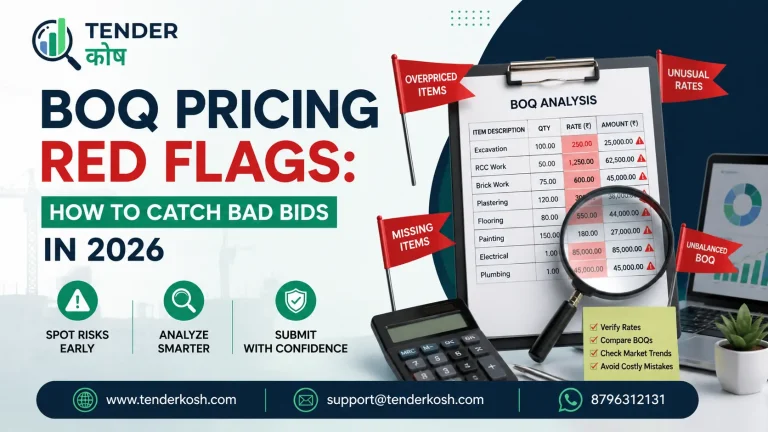
Most bid disqualifications, contract disputes, and financial losses in government tenders trace back to avoidable BOQ errors. The following are the most common mistakes — and how to prevent each one.
| Mistake | Impact | How to Avoid |
|---|---|---|
| Leaving BOQ items blank or quoting zero rates | Bid disqualification or severe financial loss if contract is awarded | Every item must have a rate. If a cost is covered elsewhere, include a nominal rate and note it clearly. |
| Not reading item descriptions carefully | Under-pricing due to missed scope — e.g., excluding supply when installation is also required | Read each item description fully, including footnotes and specifications referenced in the description. |
| Using outdated material rates | Cost overrun if material prices rise between bid and execution | Get fresh market quotations within 15–30 days of bid submission. Include price escalation clauses where permitted. |
| Ignoring GST treatment instructions | Either over-pricing (if GST is already included in SOR) or under-pricing (if GST must be added separately) | Check the BOQ instructions page carefully. State clearly whether rates are inclusive or exclusive of GST. |
| Arithmetic errors in amount column | Discrepancy between unit rate and total; may lead to disqualification or tender authority correcting the error against you | Use a spreadsheet to compute all amounts. Cross-verify before final upload. |
| Unbalanced BOQ loading | Front-loading or back-loading rates can trigger scrutiny and disqualification under abnormally high/low rate clauses | Keep rates commercially justifiable. Abnormal loading is identified during technical scrutiny and may be rejected. |
| Not accounting for performance security and retention | Cash flow shortage during project execution, especially for MSMEs | Factor in security deposit (typically 5–10% of contract value) and retention money (5–10%) when computing working capital needs. |
| Submitting incorrect file format | BOQ not uploaded correctly on the e-tender portal, leading to non-responsive bid | Download the original BOQ file from the portal, fill it without changing the format, and re-upload as instructed. Never submit a self-created BOQ format. |
While the core BOQ structure is consistent, the content, units, and pricing complexity vary significantly by sector. Bidders must understand sector-specific BOQ norms before pricing.
| Sector | Typical BOQ Items | Common Units | Key Pricing Factor |
|---|---|---|---|
| Civil / Construction | Earthwork, concrete, brickwork, plastering, painting, flooring | Cum, Sqm, RMT, Nos | Labour rates, material brand specifications, site access |
| Electrical | Cabling, switchgear, transformer supply, earthing, lighting | RMT, Nos, KVA, Set | Make/brand of equipment, installation complexity |
| Solar / Renewable | Module supply, inverter, mounting structure, BOS, civil works | MWp, KWp, Nos, MT, LS | Module efficiency grade, DC/AC ratio, land preparation cost |
| Railway | Track laying, ballast, signalling components, OHE, civil structures | RKM, Nos, MT, LS | Railway Board specifications, safety compliance cost |
| Supply / GeM | Product supply with quantities and delivery terms | Nos, MT, KG, Set | Last mile delivery cost, warranty obligations, packaging |
Knowing how to price a BOQ is only half the equation. To win government orders, you also need to find the right tenders before the deadline — and that requires systematic tender monitoring across multiple portals.
| Activity | BOQ Knowledge | TenderKosh Tender Tracking |
|---|---|---|
| Understanding scope of work | Yes — BOQ defines scope item by item | No |
| Pricing your bid correctly | Yes — correct unit rates prevent losses | No |
| Discovering relevant tenders in time | No | Yes — tracks live tenders across GeM, CPPP, PSUs, and more |
| Monitoring corrigendums and BOQ amendments | No | Yes — alerts on tender updates and document changes |
| Filtering by sector, value, and location | No | Yes — search by EPC, solar, civil, electrical, railways, GeM categories |
| Shortlisting tenders matching your capability | No | Yes — saves time versus manual portal checking every day |
Use TenderKosh to discover relevant tenders, monitor deadline updates, track corrigendums, and shortlist opportunities across civil, EPC, solar, electrical, railway, and supply sectors.
TenderKosh helps businesses find and track government tenders across portals where BOQ-based bidding is standard — including CPPP, GeM, SECI, NTPC, Railways, CPWD, state PWDs, and sector-specific PSUs. Instead of checking multiple portals manually each day, businesses can use TenderKosh to discover, filter, and monitor tenders from a single platform.
| TenderKosh Feature | Benefit for Businesses Bidding on BOQ Tenders |
|---|---|
| Live tender discovery | Find BOQ-based tenders across civil, EPC, solar, electrical, supply, and infrastructure sectors. |
| Sector-wise and keyword search | Search by product, work type, department, location, or project type to find relevant opportunities faster. |
| Corrigendum monitoring | Get alerts when BOQ documents, quantities, or bid deadlines are revised — so you never miss an amendment. |
| Multi-portal coverage | Tracks GeM, CPPP, SECI, NTPC, Railways, CPWD, IOCL, and 100+ other government procurement portals. |
| Opportunity shortlisting | Save time by focusing on tenders that match your trade, registration, and financial capability. |
A Bill of Quantities (BOQ) is the pricing core of any government tender. For contractors, suppliers, and EPC firms, understanding the BOQ format, pricing each item with full cost coverage, and avoiding common submission errors directly determines whether a bid is profitable — or a financial risk.
Equally important is finding the right tenders before deadlines close. Platforms like TenderKosh.com help businesses discover live BOQ-based tenders across government portals, track corrigendums, and build a more consistent government order pipeline.
BOQ stands for Bill of Quantities. It is a structured pricing document in a tender that lists every item of work or supply with estimated quantities. Bidders fill in their unit rates against each item, and the total forms their bid price.
The BOQ is prepared by the tendering authority — such as a government department, PSU, or project owner. Bidders are not allowed to change the structure, quantities, or item descriptions. They only fill in their unit rates in the designated column.
A blank rate in the BOQ is treated as zero. If your bid is accepted, you may be required to execute that item at no cost. In many tenders, a blank or zero rate leads to bid disqualification during scrutiny. Always enter a rate for every item.
A BOQ (Bill of Quantities) is used in construction and infrastructure tenders and covers work items including labour, materials, and machinery. A BOM (Bill of Materials) is used in supply and manufacturing tenders and lists only the materials or components to be supplied, without labour or execution costs.
It depends on the tender instructions. Some tenders ask for rates inclusive of all taxes, while others require rates exclusive of GST (which is then added separately). Always read the BOQ instructions and preamble carefully before quoting. Quoting GST incorrectly can make your bid non-comparable or financially unviable.
An unbalanced BOQ is one where certain items are quoted at abnormally high rates and others at very low rates, rather than at their actual costs. This is sometimes done to front-load payments. Most government tenders include an Abnormally High or Low Rate (AHR/ALR) clause, under which scrutiny committees can reject or seek justification for such rates — leading to disqualification or reduced payment.
You can use TenderKosh live tender search to discover tenders from GeM, CPPP, SECI, NTPC, Railways, CPWD, and other portals — including those with BOQ-based pricing. TenderKosh tracks tenders across civil, EPC, solar, electrical, supply, and infrastructure sectors from one platform.
Discover relevant tenders, monitor corrigenda, compare opportunities, and move from document reading to structured action.